Are Password Generators Safe?
Published September 27, 2026
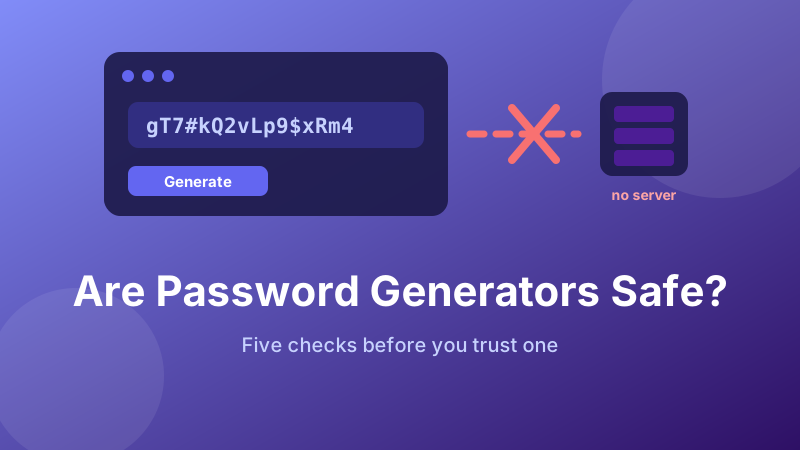
It is a fair thing to be suspicious about. You are asking a stranger's website to hand you the key to your bank account. The instinct that says "why would I trust that?" is the right instinct — it just needs to be pointed at the right question.
The honest answer: a generator that runs inside your browser is safe, and safer than making the password up yourself. A generator that builds your password on somebody's server is not. The difference is invisible from the outside, so here is how to tell, and what else is worth checking.
A generator that never sends anything
The Toolyard Password Generator runs entirely in your browser using your device's cryptographic random source. No server, no account, no logging.
Open the Password Generator →The real risk is not randomness, it is transmission
There are only two ways a generated password can betray you. Either it was predictable when it was made, or it left your machine after it was made. Those are separate problems with separate tells, and most people worrying about generators are worrying about the first when they should be checking the second.
Transmission is the easier one to reason about. Modern browsers can do cryptographic work locally, so there is no technical reason a generator needs a server. If a page asks a server for your password, the server saw it — not necessarily maliciously, but it was in a request, possibly in a log file, possibly cached by something in between. A local generator removes the whole category: the password is created in your browser's memory and there is no copy anywhere else.
How to check for yourself in 30 seconds
You do not have to take anyone's word for this. Every browser ships with the tooling to verify it:
- Open the generator page, then press F12 (or Cmd+Option+I on a Mac) to open developer tools.
- Switch to the Network tab and click the clear button so the list is empty.
- Now click the generate button on the page.
- Look at the network list. A genuinely local generator makes zero new requests when you press generate. If you see a request fire at that moment, the password came from a server.
- The stronger version of the same test: load the page, turn off your Wi-Fi, then generate. A local tool keeps working offline. A server-side one cannot.
That offline test is the one worth remembering, because it needs no technical knowledge and cannot be faked. If it works with the network disconnected, nothing was transmitted.
The randomness question: crypto versus Math.random
Now the first risk. A password is only as unguessable as the random numbers behind it, and JavaScript offers two sources that look identical in use and are not remotely equivalent in strength.
Math.random() is a fast pseudo-random generator meant for shuffling a playlist or jittering an animation. Its output comes from a small internal state advanced by a fixed formula. Observe enough output and that state can be reconstructed, at which point every future value is known. It was never designed to keep secrets, and the specification does not promise it will.
crypto.getRandomValues() is part of the Web Crypto API. It draws from the operating system's entropy pool — the same source used for encryption keys — which is fed by genuinely unpredictable physical noise. It is designed on the assumption that an attacker who has seen all previous output still cannot predict the next byte.
A well-built generator uses the second one. Toolyard's does. Unfortunately you cannot tell from the visible page, which is why the next section matters.
A subtle bug even good generators make
Worth knowing because it shows how easy it is to get this wrong: if a generator has a strong random source but maps it to characters carelessly, it can still produce a biased result. The classic mistake is taking a random byte from 0–255 and using the remainder after dividing by the alphabet size. Because 256 does not divide evenly by, say, 94, the earlier characters in the alphabet come up slightly more often than the later ones. The fix is to discard values that fall outside the largest exact multiple and draw again.
In practice this bias costs you a fraction of a bit of entropy and will not be the reason you get hacked. It is here as an illustration: "uses a secure random source" is necessary but not sufficient, and the only real assurance comes from code you or someone else can inspect.
Five checks before you trust a generator
- Does it work offline? The single most informative test. If yes, the password was not transmitted.
- How many third-party scripts does it load? Every external script on the page can read the generated password. A generator that pulls in a dozen trackers has a dozen parties who could. Check the Network tab's list of loaded files.
- Is it served over HTTPS? Table stakes. Over plain HTTP, the page's code could be altered in transit by anything on the network path — including a swap of the random source.
- Does it ask for anything? A generator needs no email address, no account and no "save your password to our vault". Any of those is a reason to leave.
- Does it show you a history of past passwords? Convenient, and it means the values are being stored somewhere. Fine on your own machine, a problem on a shared one.
The comparison that actually matters
The right question is not "is this generator perfect?" but "is it better than the alternative?" And the alternative — a password you invent — is genuinely bad. Human-chosen passwords cluster hard around the same patterns: a capitalised word, a meaningful number, a trailing exclamation mark. Cracking tools encode those patterns as rules and try them first, which is why a password that feels creative usually falls in seconds.
A random generator has no such tendencies. It has no favourite letters, does not know your dog's name, and will not put the digit at the end because that feels tidy. Even a mediocre generator beats human invention by a wide margin; a good one closes the gap to the theoretical maximum. The realistic failure mode of generated passwords is not that they were guessed — it is that someone did not save the password properly and reset it to something memorable a week later.
Where to put the password once you have it
Generating is the easy half. A 16-character random string is unusable unless something remembers it for you, so:
- Paste it straight into a password manager entry, or into your browser's built-in one, before you use it anywhere.
- Then paste it into the site's password field from the manager, so a typo cannot lock you out.
- Clear your clipboard afterwards if you are on a shared computer — copy something harmless over the top.
- Never keep the only copy in a browser tab, a note app that syncs unencrypted, or a screenshot.
Is the Toolyard generator private?
Yes, and it is built to be verifiable rather than just claimed. The password is generated by crypto.getRandomValues() in your own browser, it is never uploaded to any server, there is no account and nothing is stored. Load the page, disconnect from the internet, and it keeps generating — which is the proof, not the promise.
Try the offline test yourself
Open the generator, turn off your Wi-Fi, and keep generating. Free, private, no sign-up.
Open the Password Generator →